
Your account
Your account is a recovery phrase: twelve words the app generates on your device the first time you open it. Everything follows from those words: your keys on XMTP, Nostr and Status, and the Ethereum, Bitcoin and Solana addresses the wallet uses. There is no password to forget, and no server that knows you exist.
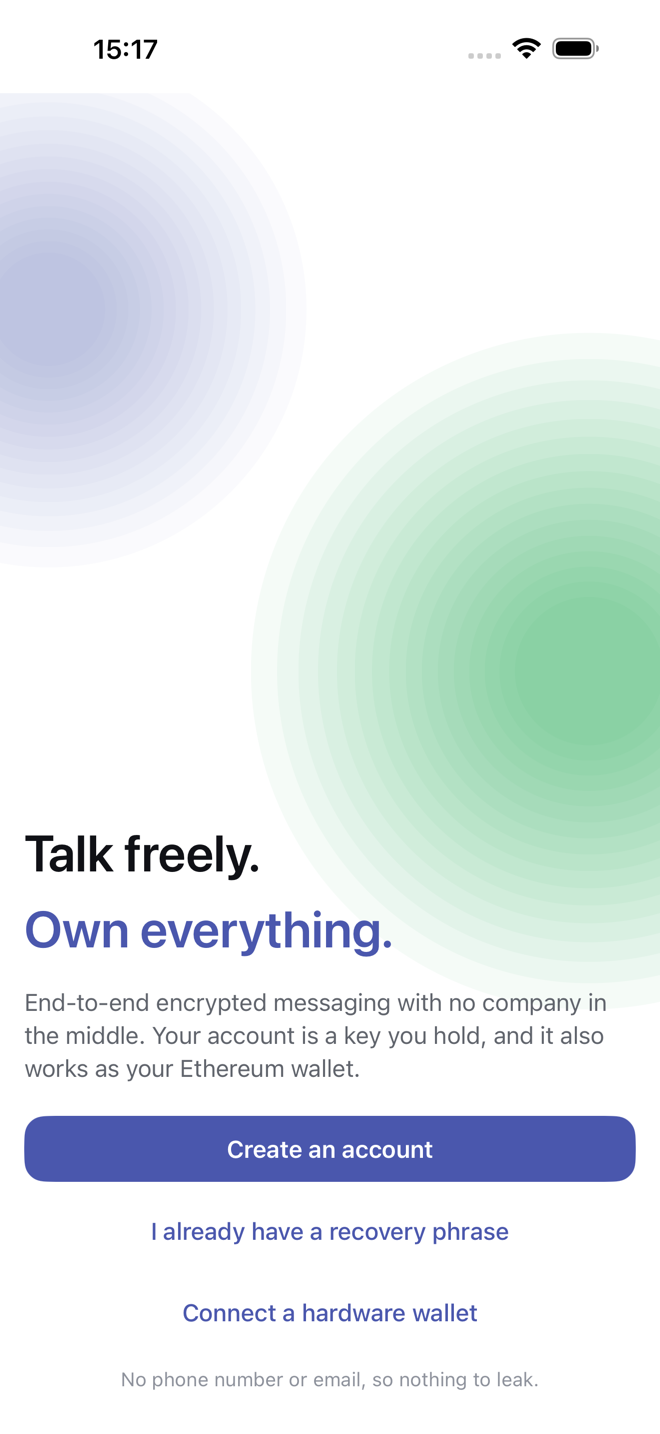
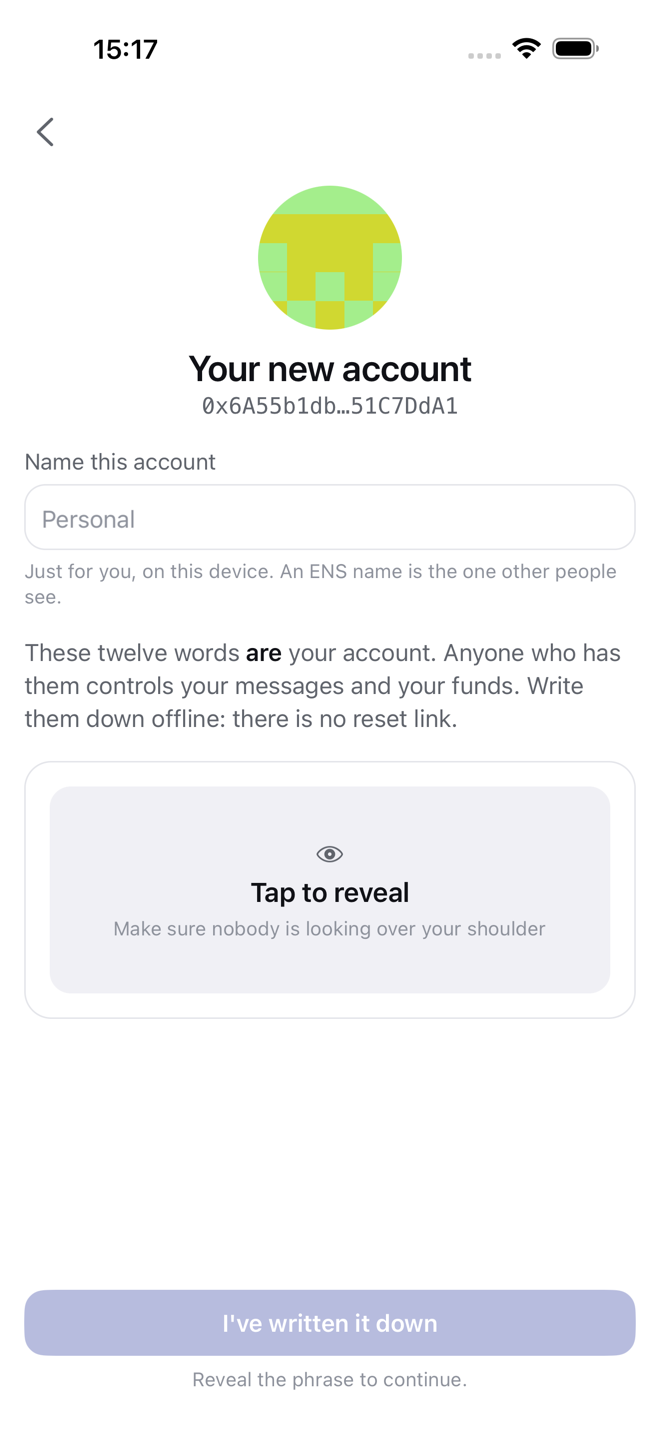
Create an account
- Tap Create an account.
- Tap Reveal recovery phrase and write the twelve words down, in order, on paper. Not a screenshot, not a note that syncs somewhere.
- Tap I've written it down.
That is the whole sign-up. The chat list opens with one chat, the Statim chat, which holds help and slash commands.
Nobody can reset this
The phrase is the account. Lose both the phrase and the device and the account, with anything in its wallet, is gone. Nobody at Statim, Apple or Google can bring it back, because none of them ever had it.
Restore an account
Tap I already have a recovery phrase and type the twelve words. Your addresses come back exactly as they were.
Chat history does not travel with the phrase. What comes back depends on the protocol: XMTP restores from its nodes, Telegram and Matrix from their servers, Nostr and Status only what their relays and store nodes still hold. Protocols has the detail.
Use a hardware wallet
Tap Connect a hardware wallet for an account whose key lives on a Ledger, Trezor or Keystone rather than the phone. Messaging works as usual; anything that needs a signature happens on the device, and the key never touches the phone.
Some things a hardware account cannot do. Bitcoin and Solana need the device's own apps for those chains, which this app does not drive, so those chains are unavailable on a hardware account. The app says so where it matters and suggests a phrase-based account for them.
On a Mac a Ledger connects over USB. Keystone signs by showing and scanning QR codes, so it needs a camera. Use the phone for a Keystone account.
Several accounts
Settings → Accounts holds every account on this device. Add one from a new phrase, an existing phrase or a hardware wallet, and switch between them from the same screen. Each account has its own history, plugins, keys and settings. Nothing is shared between them, including which protocols are connected.
Lock it
Settings → Security holds the lock:
- Require Face ID to open the app at all, or Touch ID on a Mac.
- Set PIN for a 6-digit PIN of its own, separate from the phone's passcode or the Mac's password.
- Also protect keys, which seals the phrase in the keychain so that nothing can read it, or sign with it, without Face ID first.
Settings explains how the PIN works and what happens if you forget it. Settings → Recovery phrase shows the words again.
The phrase is stored in the device keychain, marked as this-device-only, and never leaves it.
Erase an account
Settings → Erase this account removes that account's messages, media, keys and settings from this device, and signs out of Telegram and Matrix if they were connected.
It does not delete anything those protocols hold, and it does not touch the recovery phrase you wrote down. The same phrase restores the same account later.