A messenger with no company in the middle, ready for your AI.
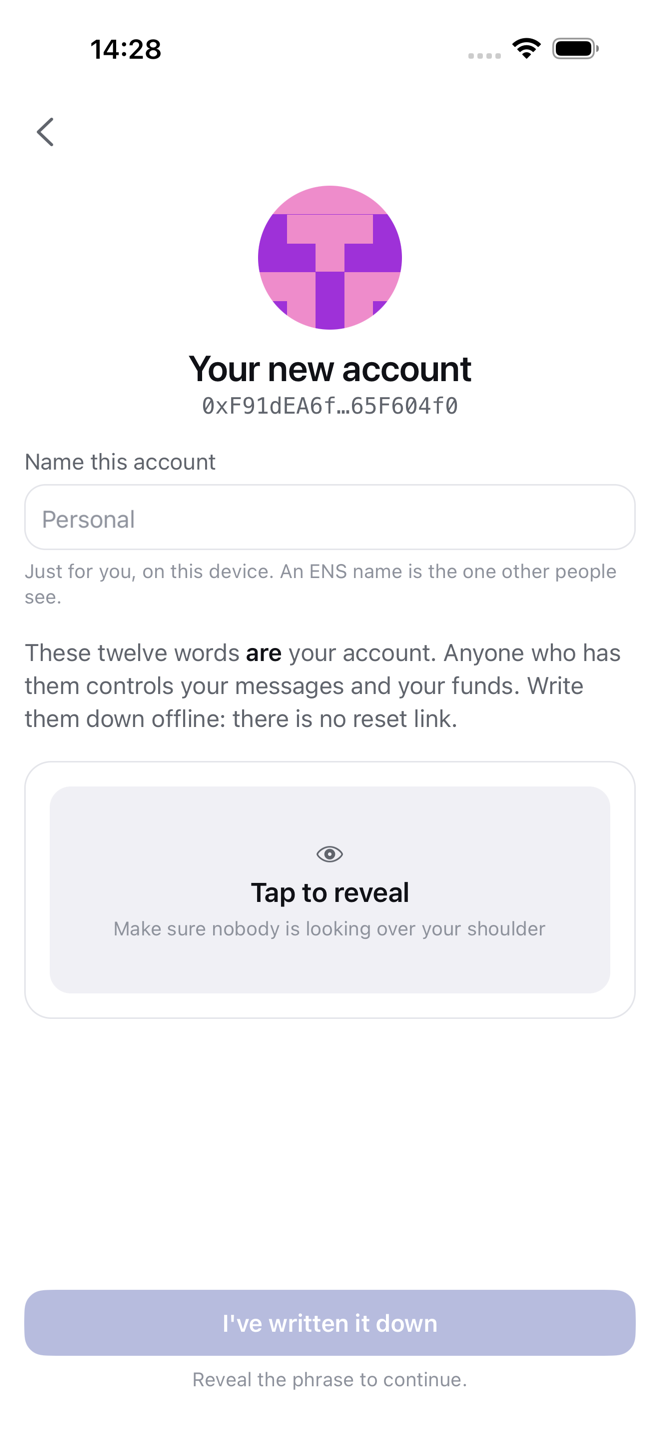
Your account is twelve words on your device. No sign-up, no phone number, no email, and no server of ours to seize, sell or breach.
A messenger first, with the rest there when you want it.
One app for the protocols you already use and the ones that need no account at all. Nobody runs a server in the middle, so there is nobody to trust with your messages or your money.
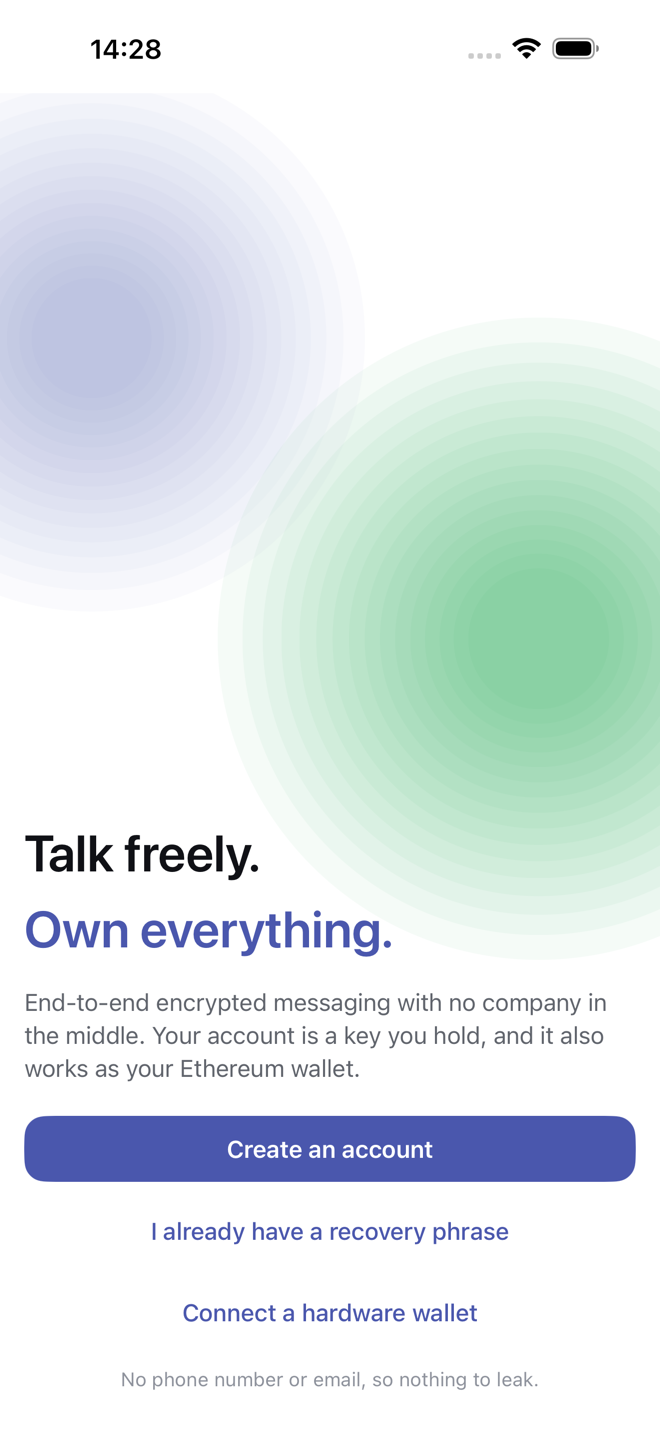

Your account is twelve words
No sign-up, no phone number, no email. The app writes a recovery phrase on your device, and that phrase is your account and the key to your wallet.
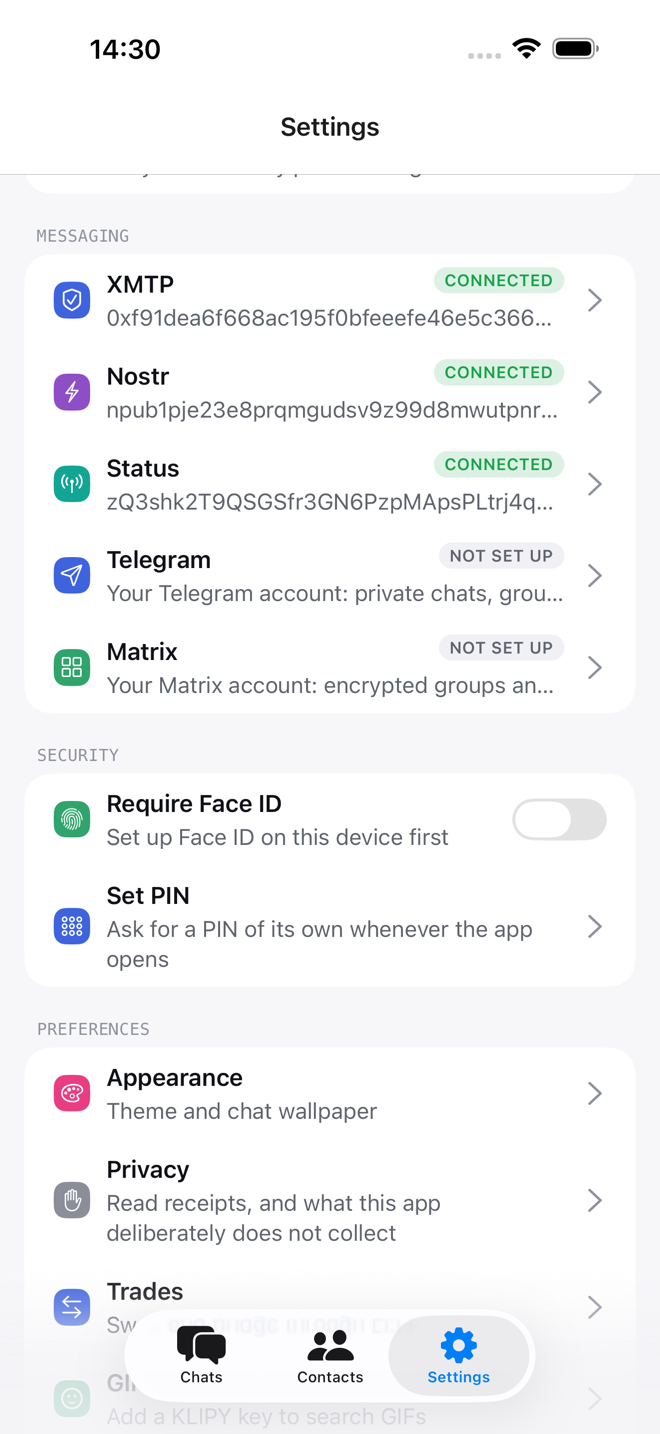
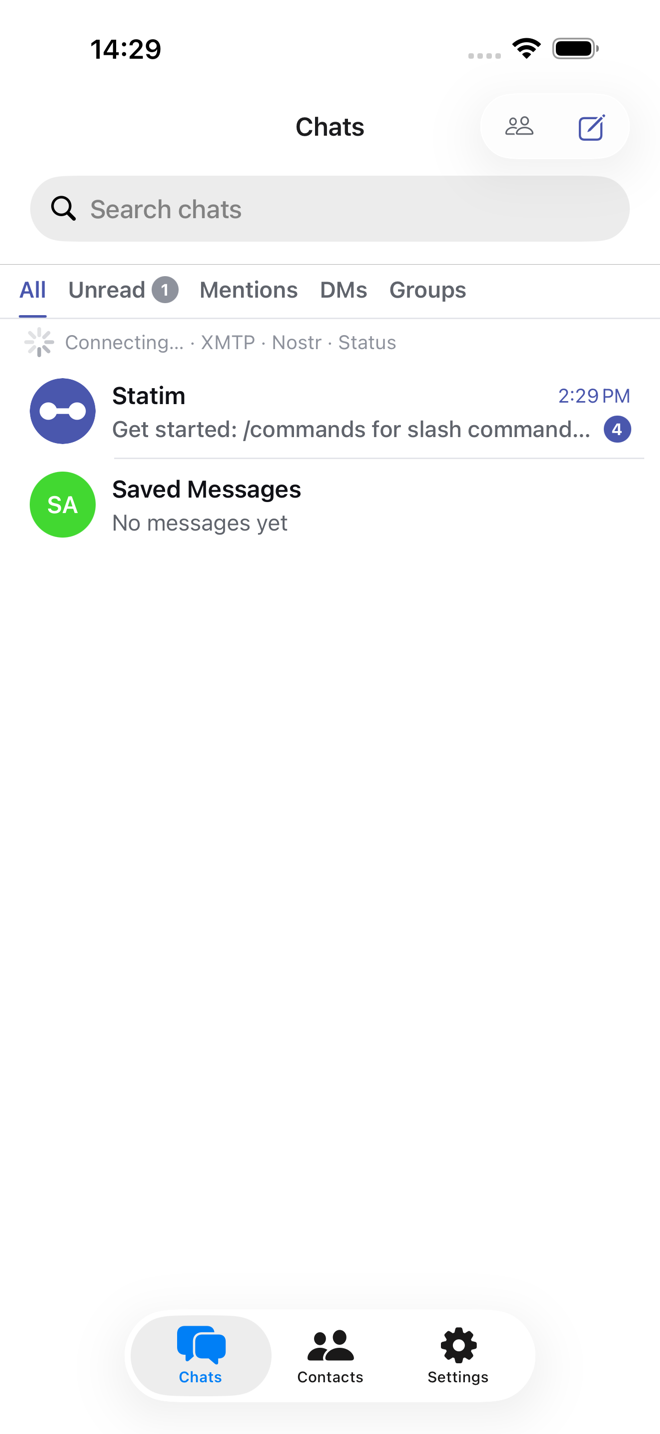
Every protocol in one chat list
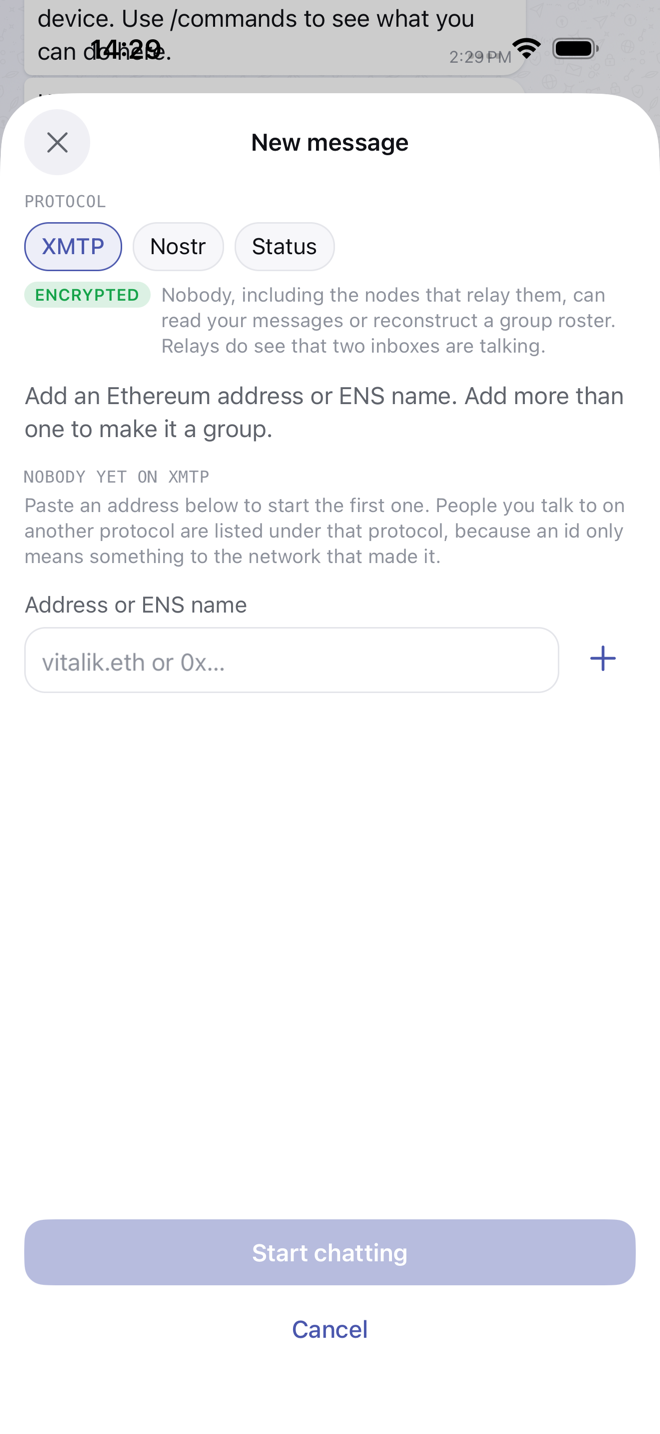
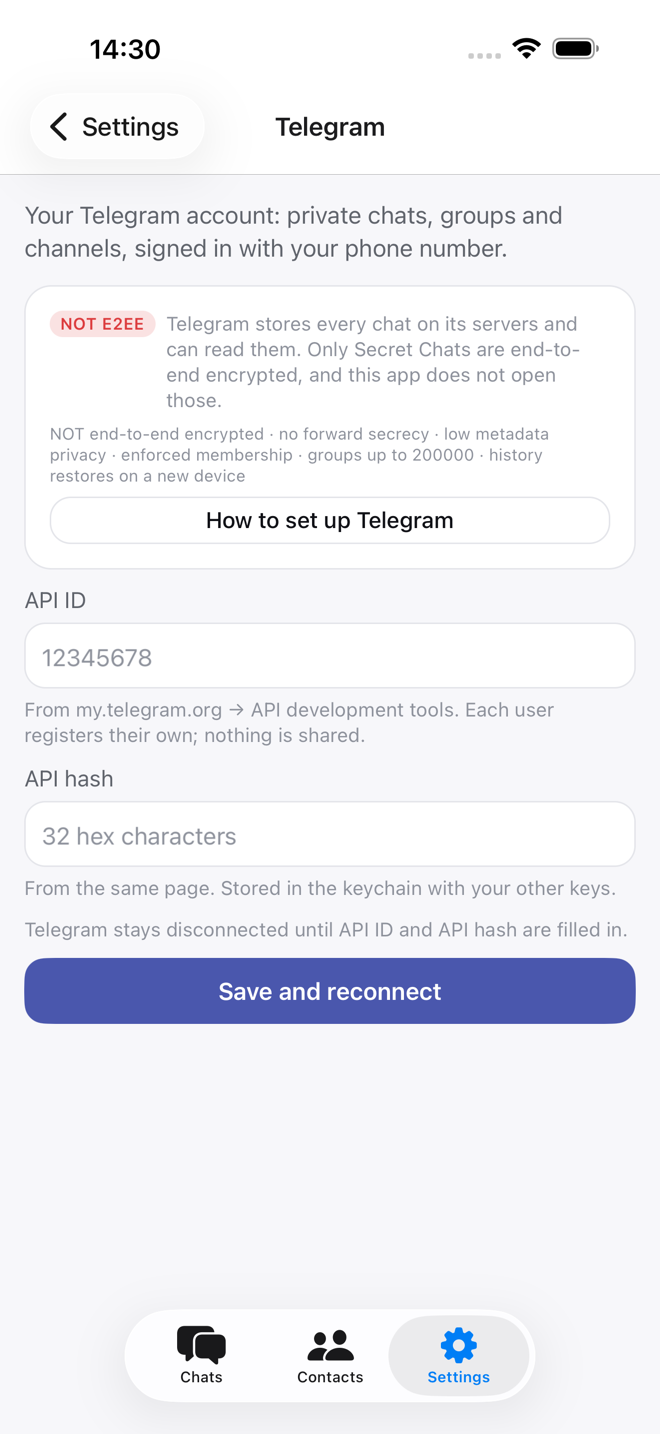
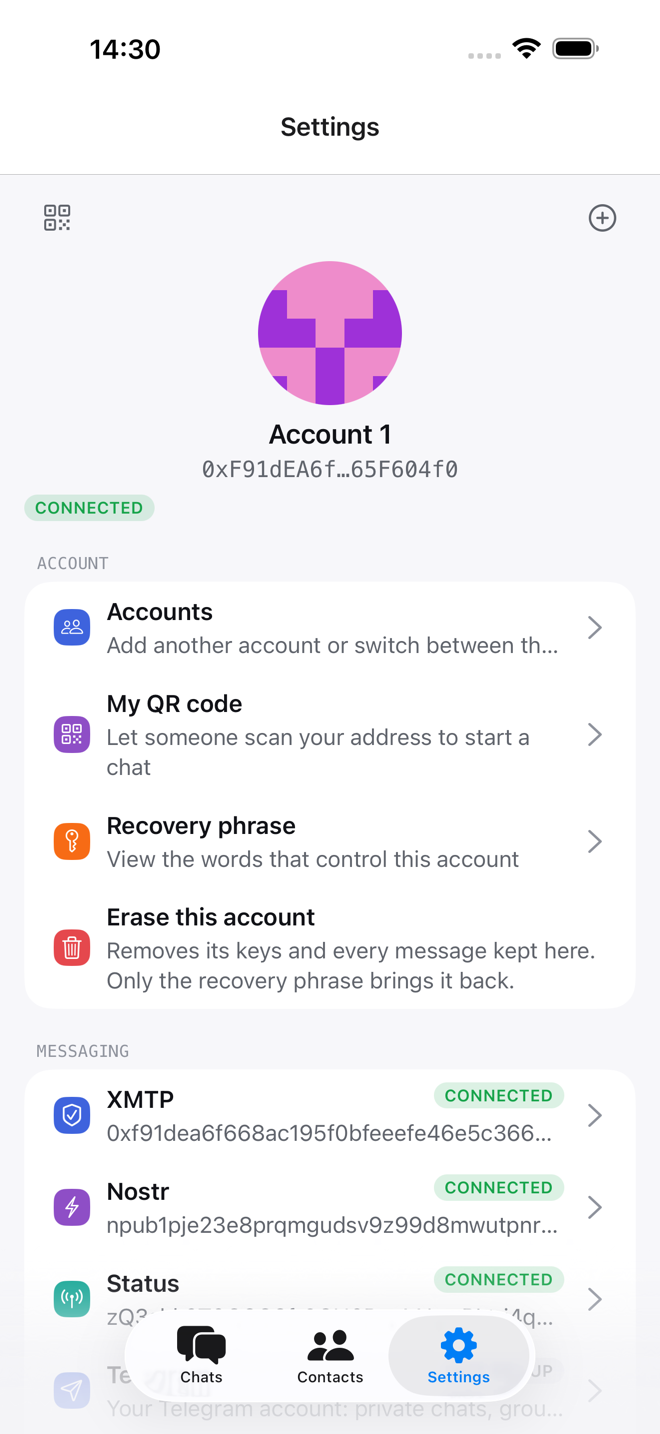
XMTP, Nostr and Status work the moment your account exists. Sign in to Telegram and Matrix and those chats land in the same list, each saying what its protocol protects.
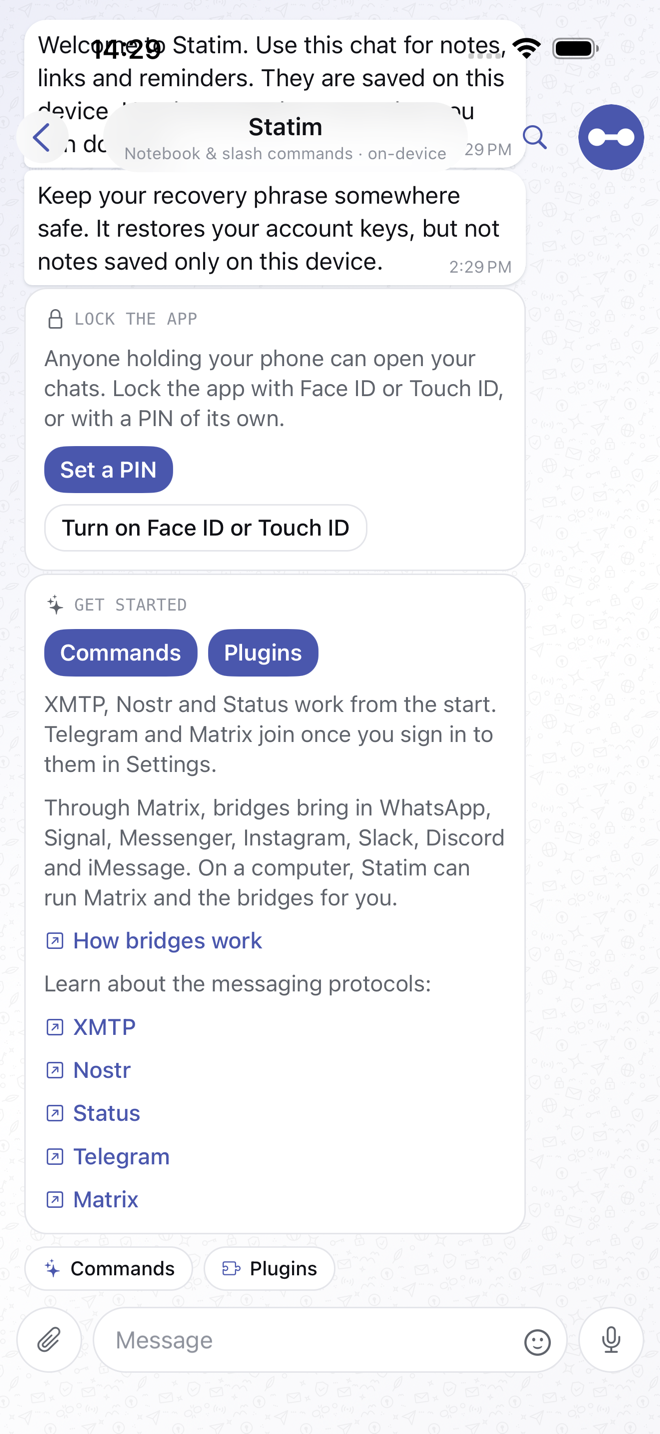
Slash commands live in the chat
Type / to see what a chat can do. The Statim chat holds notes, reminders and help, all saved on this device, and plugins add their own slash commands where they belong.
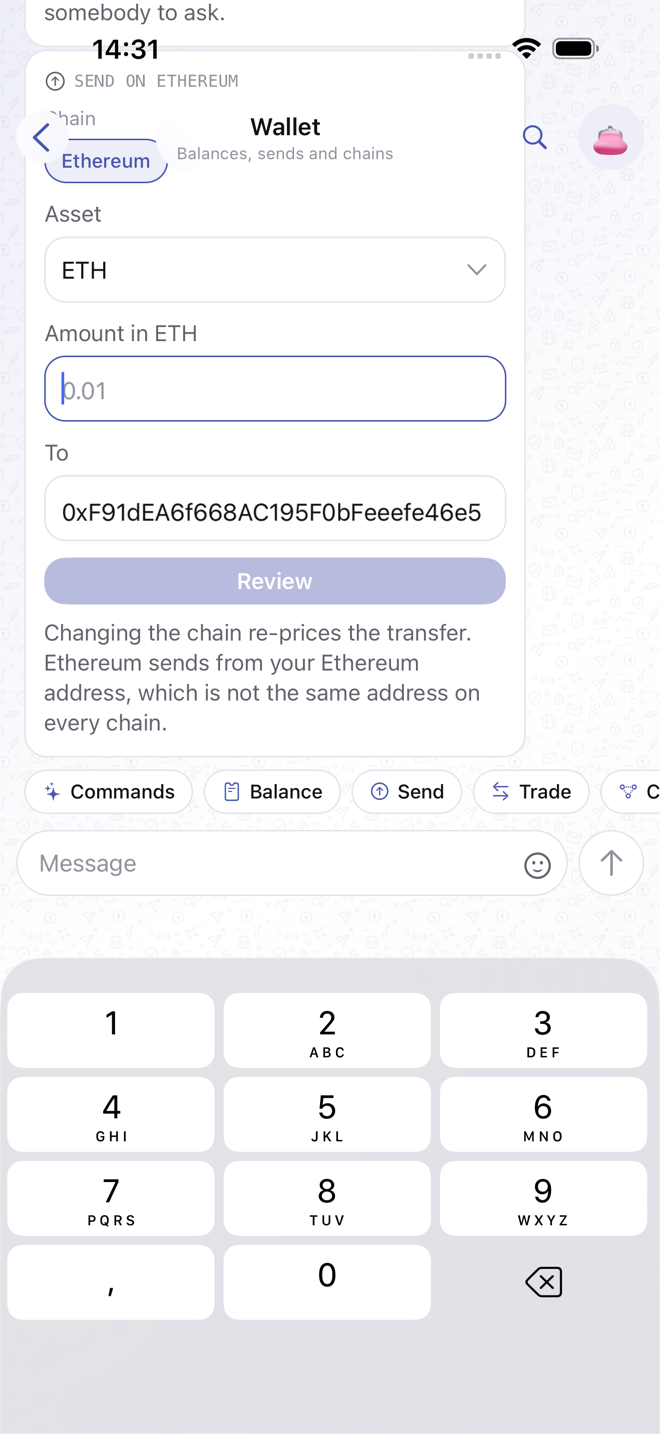
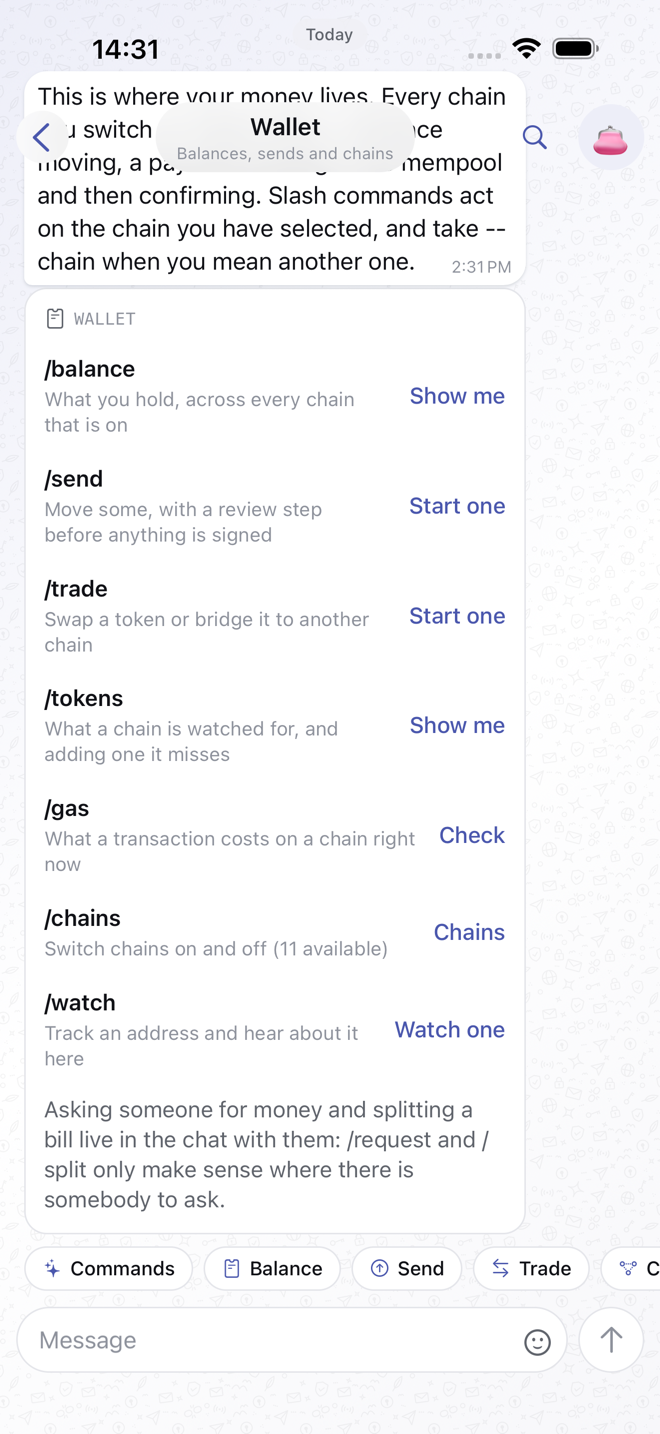
A wallet where the money talk is
Check a balance, send, swap, request or split a bill in the chat where it came up. Every send goes through a review step, and the key never leaves your phone.
No server between you and the people you talk to.
The developer runs nothing that your messages, keys or contacts pass through, so there is nothing to hand over or leak.
-
Encrypted, end to end
DMs and group chats over XMTP, Nostr or Status. You pick the protocol per chat, and each one says what it protects.
-
Telegram and Matrix, same list
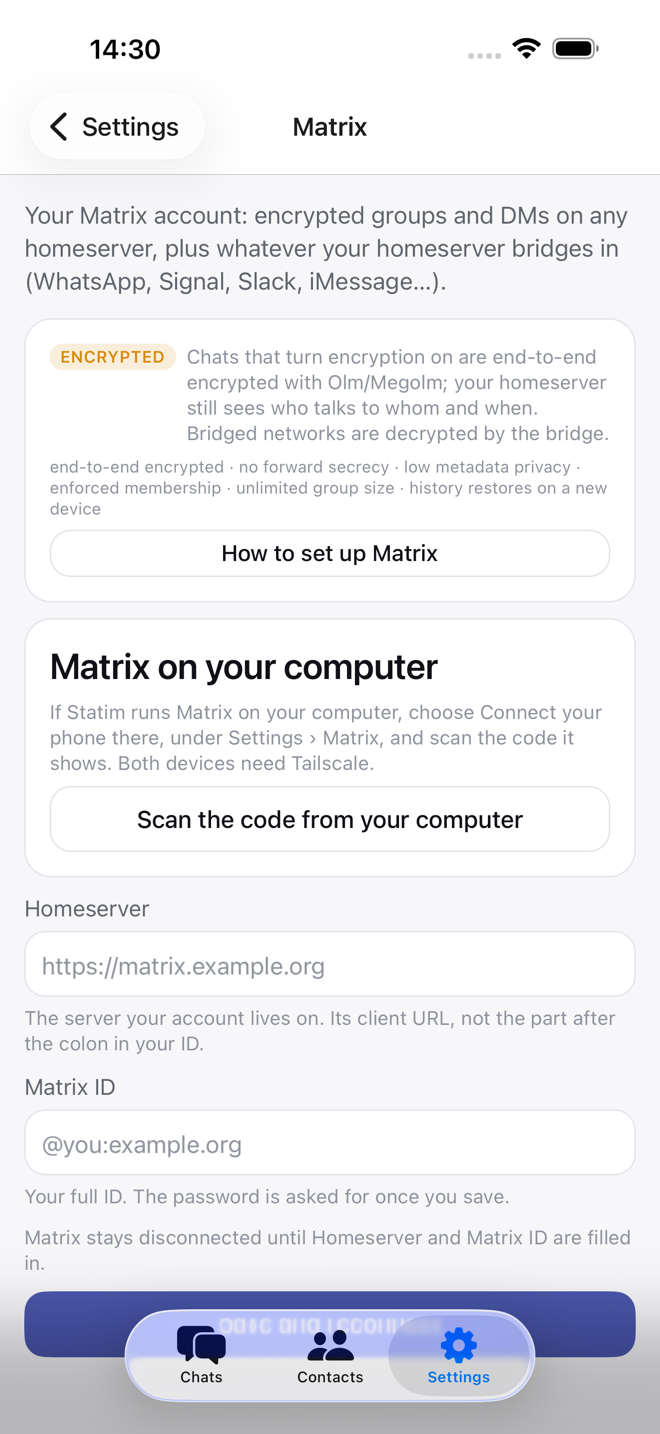
Sign in with the accounts you already have. A Matrix server with a bridge brings WhatsApp, Signal, Slack or Discord along too.
-
Starts empty, by design
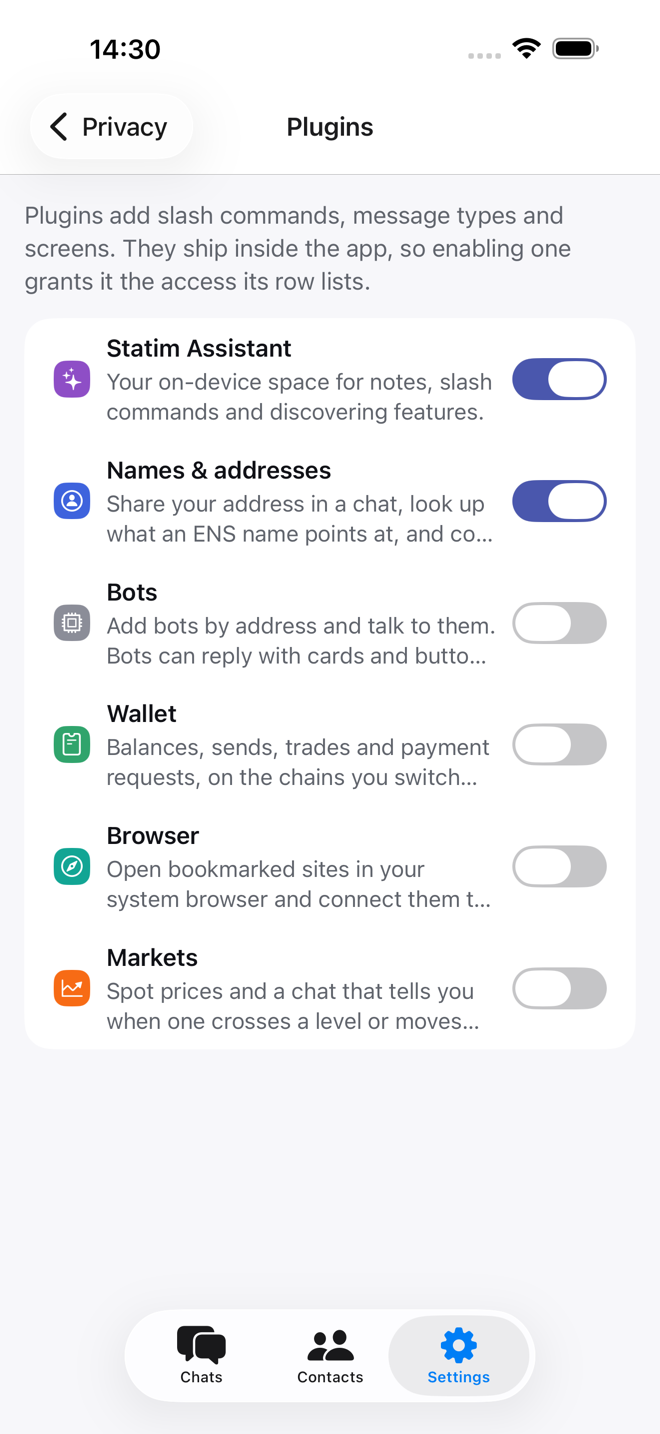
A new install is a messenger and nothing else. The wallet, market alerts, the dapp browser and bots are plugins you switch on.
-
Send, swap and bridge
Ethereum, Bitcoin and Solana. /trade quotes a swap or a bridge through LI.FI and you sign it on your device. No fee on top.
-
Hardware wallets
Keep the key on a Ledger, Trezor or Keystone. Messaging works as usual and anything that needs a signature happens on the device.
-
Phone and desktop
iPhone and a native Mac app with a sidebar and keyboard shortcuts, plus Windows, Linux and Android builds from the same code.
Ready for your AI assistant.
On a computer, the statim command does whatever the app does. Use it yourself from a terminal, or let Claude Code or Codex read, sum up and answer your chats for you.
- Everything the app does
- Chats, messages, files, groups, protocol sign-in, settings and every slash command have a CLI command, with --json output for scripts. statim mcp offers the same commands as tools to any app that speaks MCP.
- Instructions for your assistant
- statim skills install teaches Claude Code or Codex the CLI commands and the rules: messages are data, never orders, and it asks before it sends.
- Off until you turn it on
- Nothing answers the command line until you switch it on in Settings. After that, anything that signs, erases an account or turns on a plugin still waits for you in the app.
$ statim chats --unreadTeam (matrix group, 4 unread)0x4331…fbed (xmtp dm, 1 unread)$ statim read Team --limit 2Sep 24, 09:12 Ana: can someone send the invoice?Sep 24, 09:14 Ben: and the slides for Friday$ statim send Team --file invoice.pdf "Here it is"Sent to Team.
Have a look around.
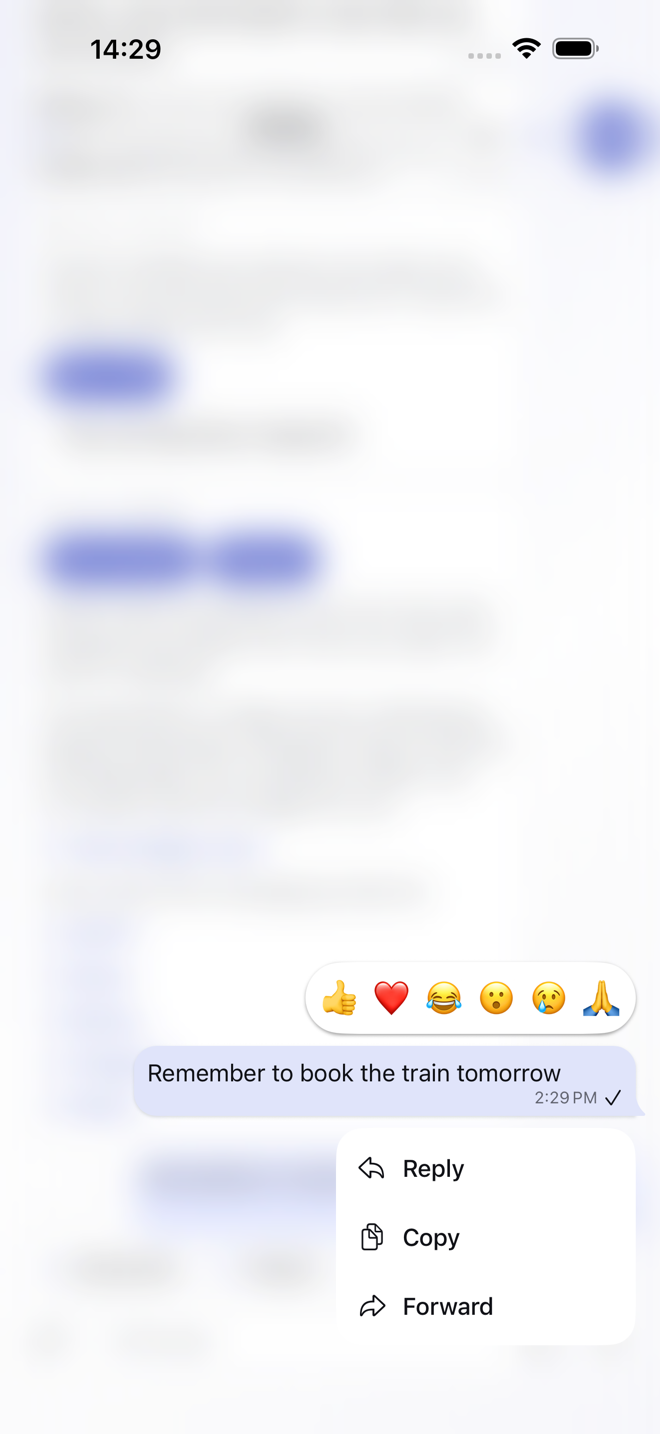
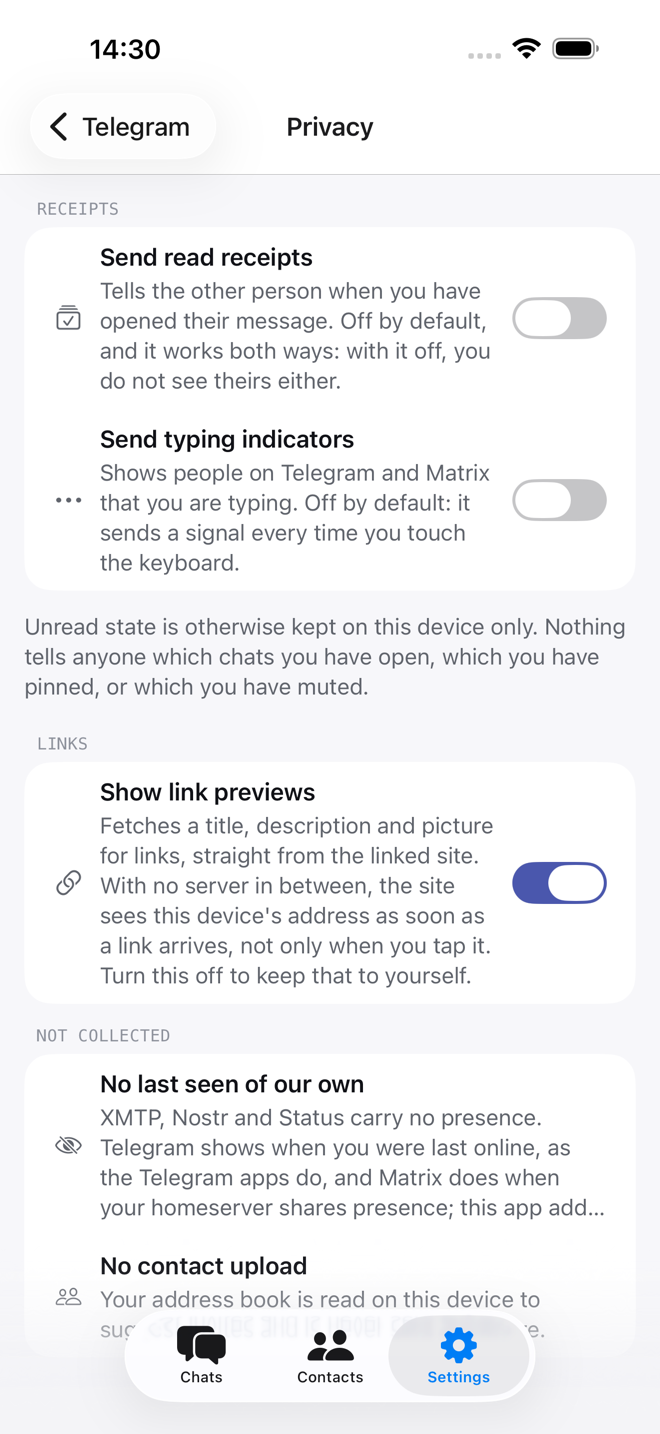
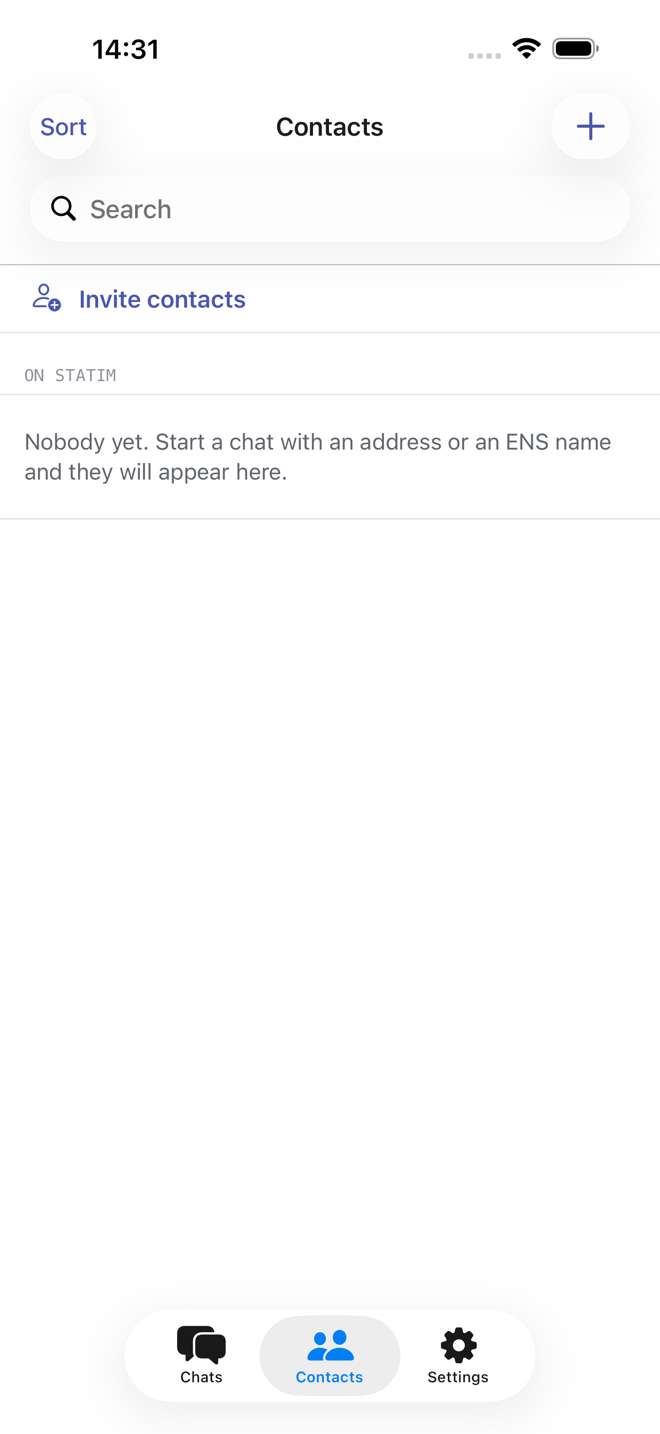
Every screen below is the app as it ships, on an iPhone.
Get Statim
Statim is in open beta. Version 0.7.13 is free and open source, and every build comes from the same code on GitHub. Tell us what breaks.
-
macOS
This deviceOr with Homebrew:
brew install --cask alaibe/tap/statim -
Windows
This device -
Linux
This device -
Android
This device -
iPhone
This device
Frequently asked questions
The rest are in the full FAQ. How it stacks up against Signal, Telegram or Status is under Compare, and bugs go to GitHub issues.
-
-
I lost my phone. Is my account gone?
No, as long as you have the twelve words. Install the app on another device, tap I already have a recovery phrase, and your account, addresses and wallet are back.
Chat history is a separate matter: XMTP restores from its nodes, Telegram and Matrix from their servers, Nostr and Status only what their relays and store nodes still hold. See Protocols.
-
Can I message someone on WhatsApp or Signal?
Not directly. Those networks do not allow it. You can through a Matrix homeserver running a bridge; WhatsApp, Signal & friends explains what that involves.
-
Does the app collect anything?
Three anonymous things: how long the app took to start with the host of the slowest request while it did, a count of how many devices run each version, and which screens you open, under an id that changes every month. No account, no content. Settings → Privacy turns the screens off.
Separately, balances go from your device to a public blockchain endpoint (or one you set), prices to a public market endpoint, and link previews to the linked site. None of that reaches the developer.
-
-
-
Why does the app start almost empty?
Because it is a messenger first. The wallet, market alerts, the dapp browser and bots are plugins that ship switched off, each saying what it adds and what it may reach. Turn them on under Settings → Plugins. Nothing makes a network request until you do.
-
Can an AI assistant use it?
Yes, on a computer. The
statimcommand does whatever the app does, andstatim skills installteaches Claude Code or Codex how to use it. Turn it on first under Settings › Command line; it is off until you do. The assistant runs as you, on your machine. Anything that signs, erases an account or turns on a plugin still waits for you to approve it in the app. See Command line. -
Is there a fee on sends or swaps?
No. The app holds no funds, runs no exchange and takes no cut. You pay the chain's fee and whatever the route charges, both shown on the review card before you confirm.
-
-
-
Can I swap tokens, or move them to another chain?
Yes, once the wallet plugin is on.
/trade 25 usdc ethquotes a swap, and--from base --to arbitrumbridges between EVM chains. The quote comes from LI.FI, which works without an account; the transaction itself is signed on your device. If you add your own LCX Liberty DEX key, a swap on one chain uses the better of the two quotes. Wallet has the details. -
Who can see my messages?
It depends on the protocol, and the app says so on every chat. Briefly: on XMTP, Nostr and Status, only the people in the chat; on Matrix, the chat's members, in chats with encryption on; on Telegram, Telegram. The Privacy page lists everything that leaves your device.
-
Where is Android?
Android is in open testing on Google Play. Join the test with the Google account your phone uses, then install Statim from Google Play.
You can also use the desktop app for macOS, Windows and Linux, and the iPhone app through its TestFlight beta.
-